HEIC to JPG Converter
Make JPG copies of phone HEIC photos for apps and forms that reject the originals. Convert one picture or a batch, with a preview before downloading.
Runs in your browser — your input is not uploaded to ToolsNow.
Loading your workspace…
Try the HEIC practice card
Open the HEIC card, keep JPG and the original dimensions, then save it. Check that the result is 800 × 600, the arrow points up and the words are readable. This synthetic still does not cover every phone’s HDR or orientation behaviour; use the separate PNG to explore transparency.

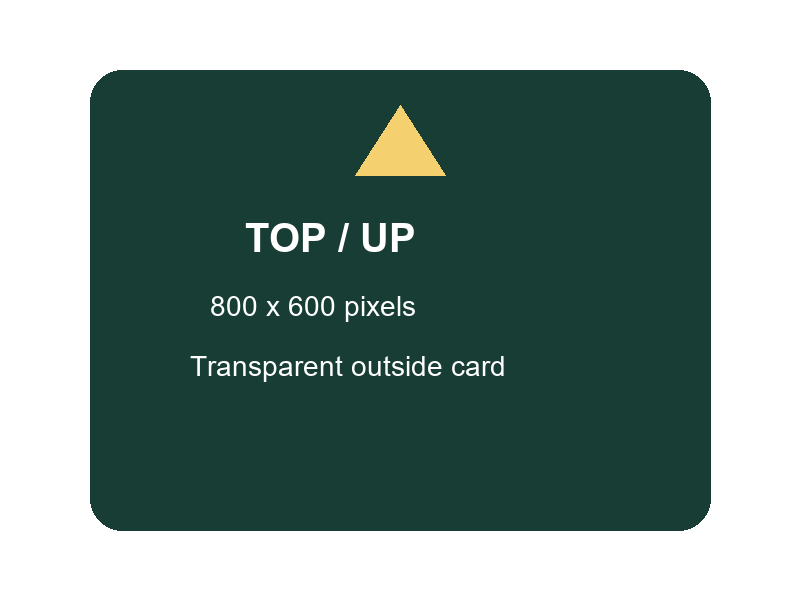
ToolsNow practice files with fictional details, free to download and reuse.
How to use
- Choose images. Select the original HEIC or HEIF files from your device. Wait for the decoder to load and the first preview to appear.
- Keep JPG selected. Check Save as and Quality. Use Resize for a dimension limit, and Compare original to inspect the effect on detail.
- Download the copies. Save the selected JPG, or prepare and save a batch ZIP. Open the downloads to check orientation, colour and whether every requested photo is present.
Questions
Can I open HEIC outside Safari?
This workspace has its own decoder and does not rely only on built-in browser HEIC support. An unusual encoding, damaged file or memory limit can still prevent conversion. Try one original photo first if a batch fails.
Why is the JPG larger than the HEIC?
HEIC can store a photo more efficiently than JPG. Converting solves compatibility, not necessarily file size. Lower Quality gradually or use Resize if the destination needs a smaller image, checking faces and fine lettering along the way.
What happens to Live Photos, HDR and metadata?
You get a flattened still image in 8-bit sRGB, without the Live Photo video, depth information or full HDR editing range. Export strips source profiles and metadata. Keep the original for those features, and remember that details visible in the photo remain visible.
Can I convert a batch without uploading it?
Yes. Add the files, check the shared settings, then use Prepare all as ZIP and Save ZIP. Your photos are processed on your device; the decoder downloads from ToolsNow when needed. That does not mean the page makes no network requests. Review any failed files before relying on the ZIP.
Can this save a new HEIC file?
No. HEIC is an input format here. Use JPG for compatibility or another offered output when the receiving app supports it. Renaming an extension alone does not convert a file.
Published by ToolsNow. How tools and sources are checked · Report a problem